CLI
Complete reference for Autumn Labs CLI commands.
Installation
The CLI is installed as part of the client installation step. To check if the CLI is installed, you can run the following command:
al --versionIf the CLI is not installed, you can install it with the following command:
curl https://client.autumnlabs.io/get | bashTo update the client binaries, you can run the following command:
al updateStation Management
You can register multiple stations on the same machine
To register a station, you can run the following command:
al register- Prompts for station secret
- Registers station with platform
To get information about a station, you can run the following command:
al info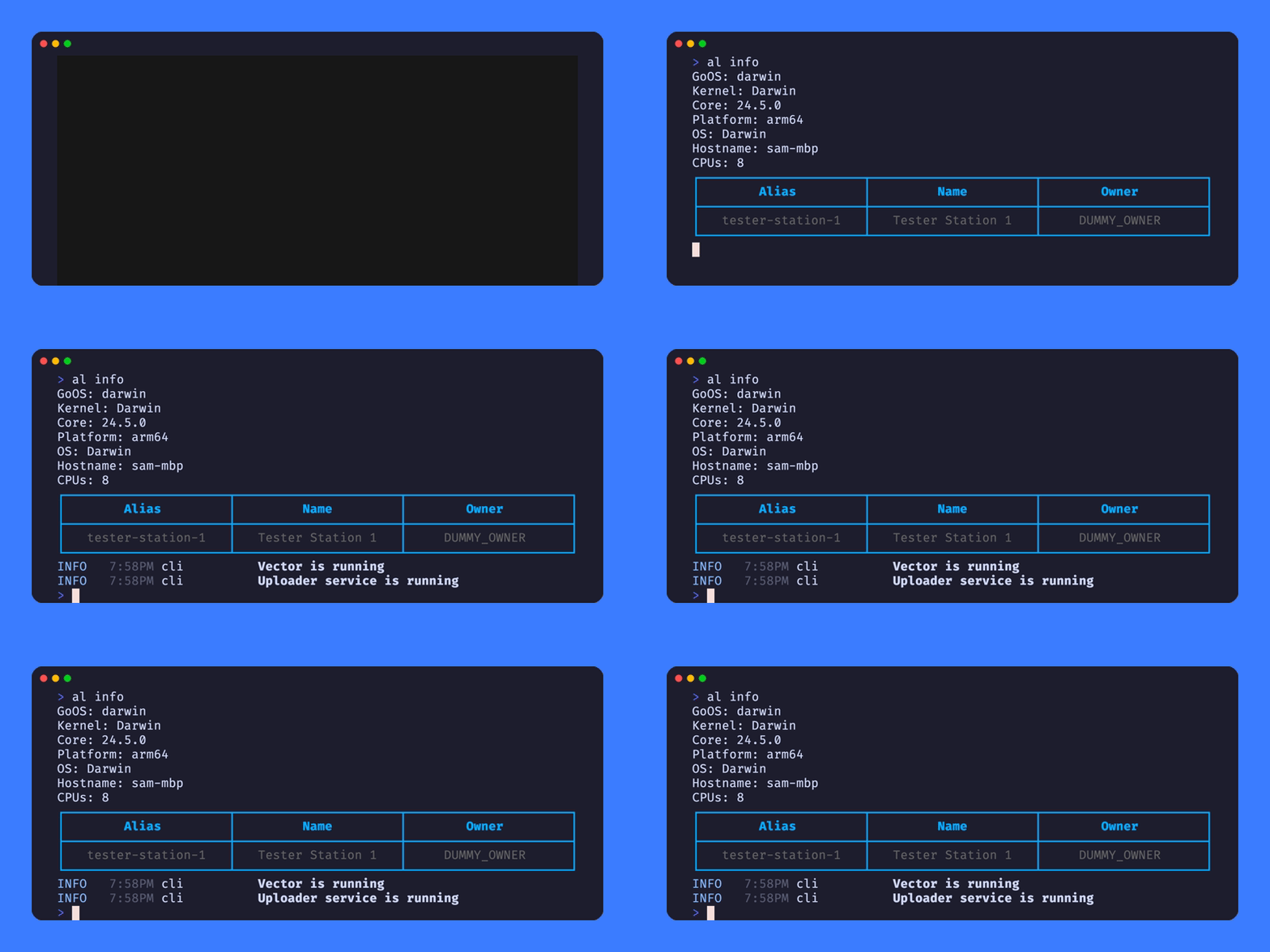
- Shows station status
- Lists registered stations
- Displays service status
Start Services
al start- Starts Autumn Labs services
- Enables data transmission
Stop Services
al stop- Stops Autumn Labs services
- Disables data transmission
Uninstall
al uninstall- Removes all Autumn Labs files
- Stops all services
Deletes un-uploaded data